
I did not realize that so I looked at my autocat and it seems fine as it always has.
1 Like
So I clicked on create autocat sheet and it did not create a new sheet, it left my existing sheet and allowed me to run autocat. Will test again tomorrow morning after performing a fill.
1 Like
Suggestions on the new money feed interface: After filling, show the total of new transactions and balance updates separately. When I initially open the feed, I need to refresh to see that there are updates available and then click again. Seems a bit clumsy.
1 Like
@buzzmaster1 we have an open bug related to the fill button behavior. We’ll likely introduce the option to hover over the green fill success banner to see the breakout of transactions vs balances filled at some point. We also have a bug filed for the add-in not recognizing that AutoCat is already installed.
@adekunledauda the remove duplicates utility is going away because it was only introduced for cleaning up an issue related to a very specific bug previously in Excel that’s been fixed for more than a year now.
Today, I received an error message that the Autocat tab did not exist.
I tried @buzzmaster1 workaround and received the attached error message.

No new Autocat tab was created and the existing one was left untouched. Autocat worked fine after this.
Clint
I see the new Split Transaction feature in Excel outputs details of the split to the Note column and not the “Split Details” column if it exists
A post was split to a new topic: Not auto refreshing & missing transactions
A post was split to a new topic: Questions about what’s in progress
We’re excited to share that today we’ve released the Rule Builder AutoCat features for Microsoft Excel bringing Excel pretty much to parity with our Google Sheets add-on.
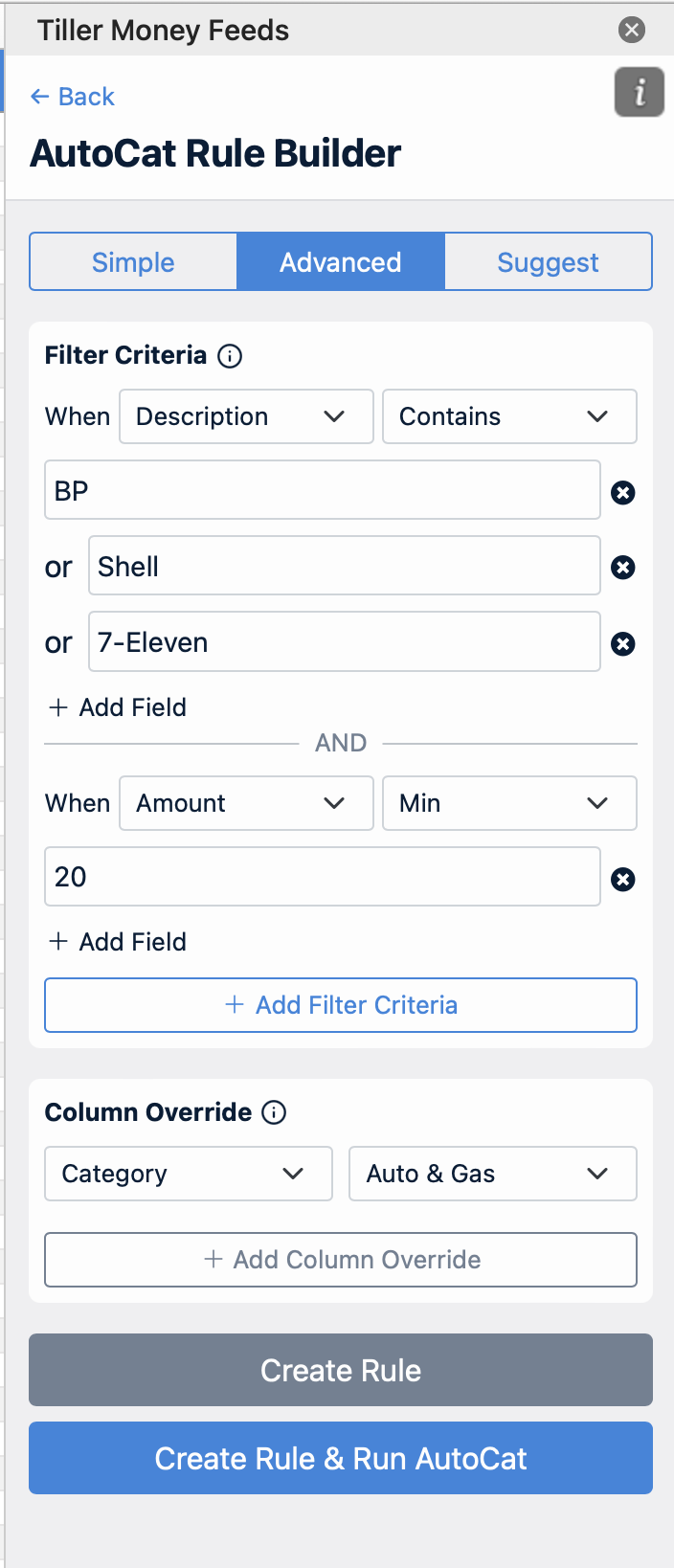
The one area where we’re unlikely to be able to reach full parity is automatic sheet fills. Since most people have their Excel file stored locally on their computer we would not be able to offer AutoFill for those spreadsheets. We haven’t looked into whether we might be able to AutoFill workbooks stored on OneDrive.
1 Like
can we store saved splits to use them like in google sheets?
I haven’t tested it @Cinistix, but it might just already work. Have you tried testing it? I think the same format of the saved splits sheet would work if you just copy/pasted the headers into a tab called “Saved Splits” in Excel.
1 Like
Looks like that did it. Awesome, thnaks
3 Likes
Thanks for the update!